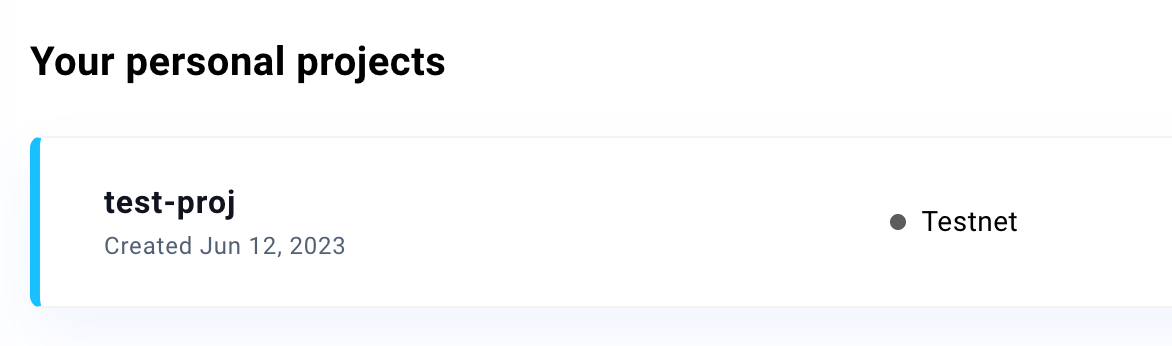
将钱包服务作为 Master Key
Master key 是签名消息和交易的 singer,需要从钱包服务获取 signer。
从 Web3Auth 初始化 singer
在集成 Custom Auth SDK 之前,您需要首先创建一个 Web3Auth 项目,这里是一个简要的教程。
选择 Web3Auth Single Factor Auth SDK(可自定义 UI)
如果您需要集成自己的社交登录,如 Google,并且想要进行完全的 UI 自定义,您可以选择 Web3Auth 的单因素认证 SDK 来与 Custom Auth SDK 集成。
这是一个使用 Google OAuth 的 web3auth/single-factor-auth 的示例,您可以参考 Web3Auth 文档 获取更详细的配置信息。
Step1: 安装 @web3auth/single-factor-auth
yarn add @web3auth/single-factor-auth
// or
npm install --save @web3auth/single-factor-auth
Step2: 初始化 Web3Auth 并获取 signer
import { Web3Auth } from "@web3auth/single-factor-auth";

const web3auth = new Web3AuthNoModal({
  clientId: Web3AuthClientId, // replace Web3AuthClientId with your client id
  chainConfig: {
    chainNamespace: 'eip155',
    chainId: '5',
    rpcTarget: 'https://rpc.ankr.com/eth_goerli' // or you can replace your own rpcNodeUrl
  },
  web3AuthNetwork: 'testnet'
})
await web3auth.init()
const web3authProvider = await web3auth.connect({
    verifier: verifierName, // e.g. `web3auth-sfa-verifier` replace with your verifier name, and it has to be on the same network passed in init().
    verifierId,
    idToken,
  })
if (web3authProvider) {
  const provider = new providers.Web3Provider(web3authProvider as providers.ExternalProvider)
  const signer = provider.getSigner() // this is what we need
}
提示
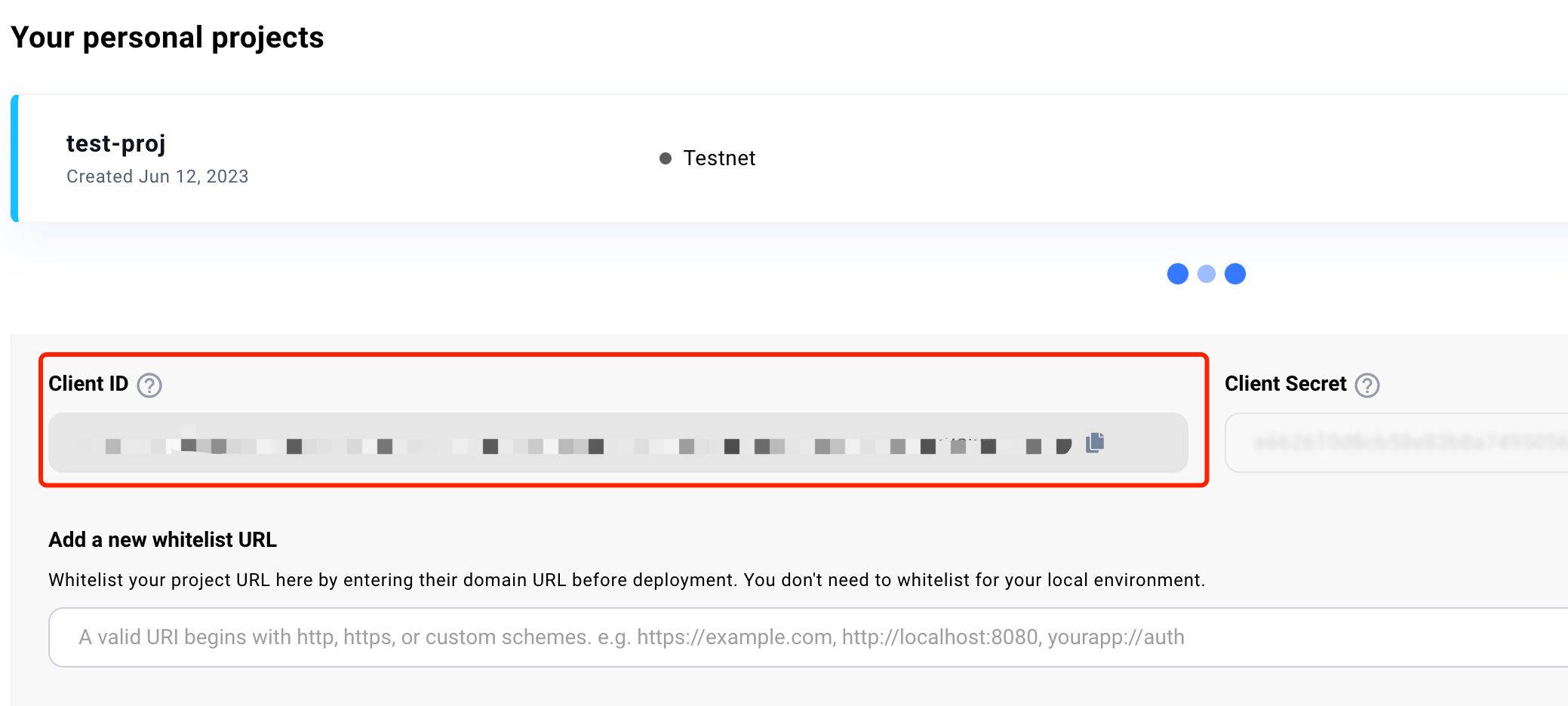
您可以在您的项目中找到 Web3Auth client id。
选择 Web3Auth Modal SDK(使用 Web3Auth 的 UI)
如果您不希望自己集成 Google 等社交登录,并且愿意使用 Web3Auth 提供的 UI,您可以选择 Web3Auth 的 Modal 来与 Custom Auth SDK 集成。
Step1: 安装 @web3auth/modal
yarn add @web3auth/modal
// or
npm install @web3auth/modal
Step2: 初始化 Web3Auth 并获取 signer
const web3auth = new Web3Auth({
  clientId: Web3AuthClientId, // replace Web3AuthClientId with your client id
  chainConfig: {
    chainNamespace: 'eip155',
    chainId: '5',
    rpcTarget: 'https://rpc.ankr.com/eth_goerli' // or you can replace your own rpcNodeUrl
  },
  web3AuthNetwork: 'testnet'
})
await web3auth.initModal()
const web3authProvider = await web3auth.connect()
if (web3authProvider) {
  const provider = new providers.Web3Provider(web3authProvider as providers.ExternalProvider)
  const signer = provider.getSigner() // this is what we need
}
提示
您可以在您的项目中找到 Web3Auth client id。
如何创建 Web3Auth 项目
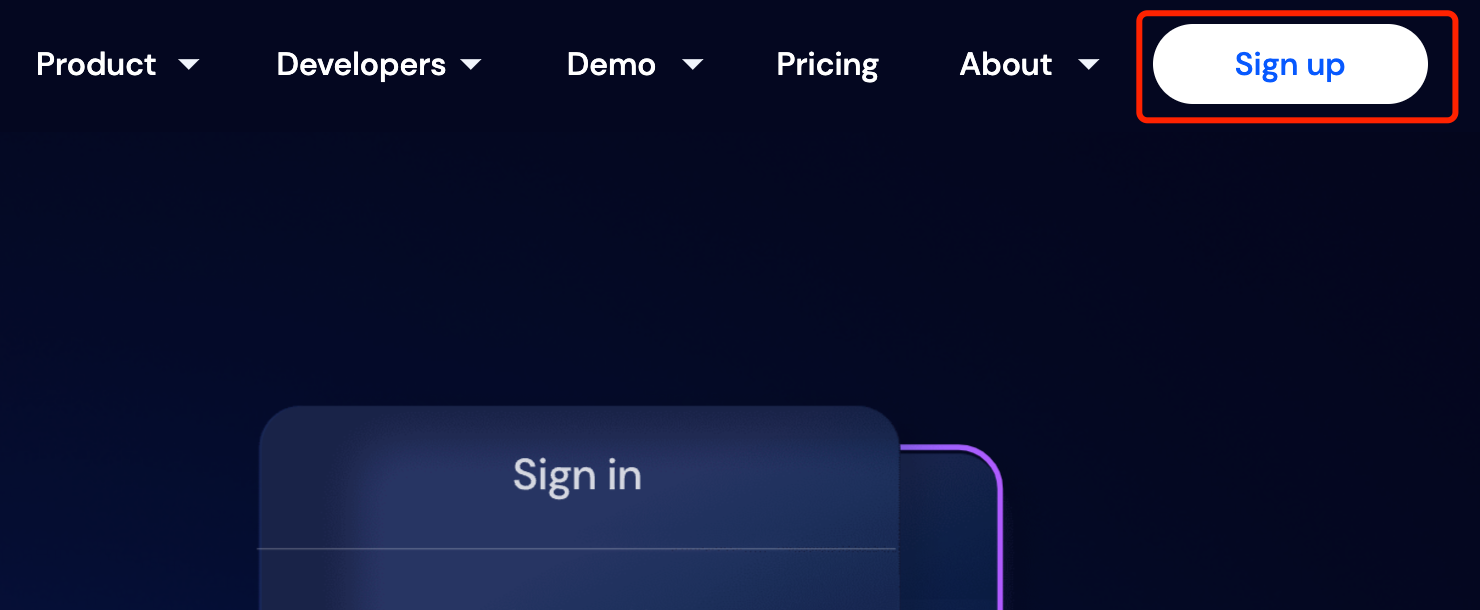
- 注册 Web3Auth
Web3Auth dashboard: https://dashboard.web3auth.io
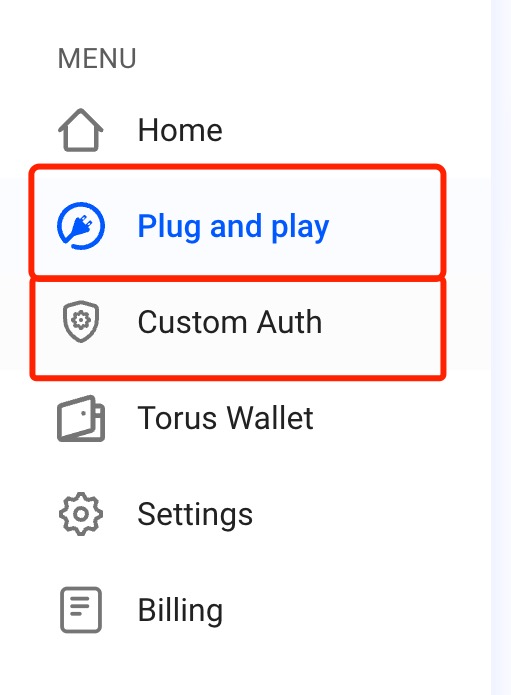
- 在目录中,选择方案
- 如果你选择 Web3Auth Single Factor Auth SDK,请选择 Custom Auth
- 如果你选择 Web3Auth Modal SDK,请选择 Plug & Play
- 创建项目

- 设置项目信息
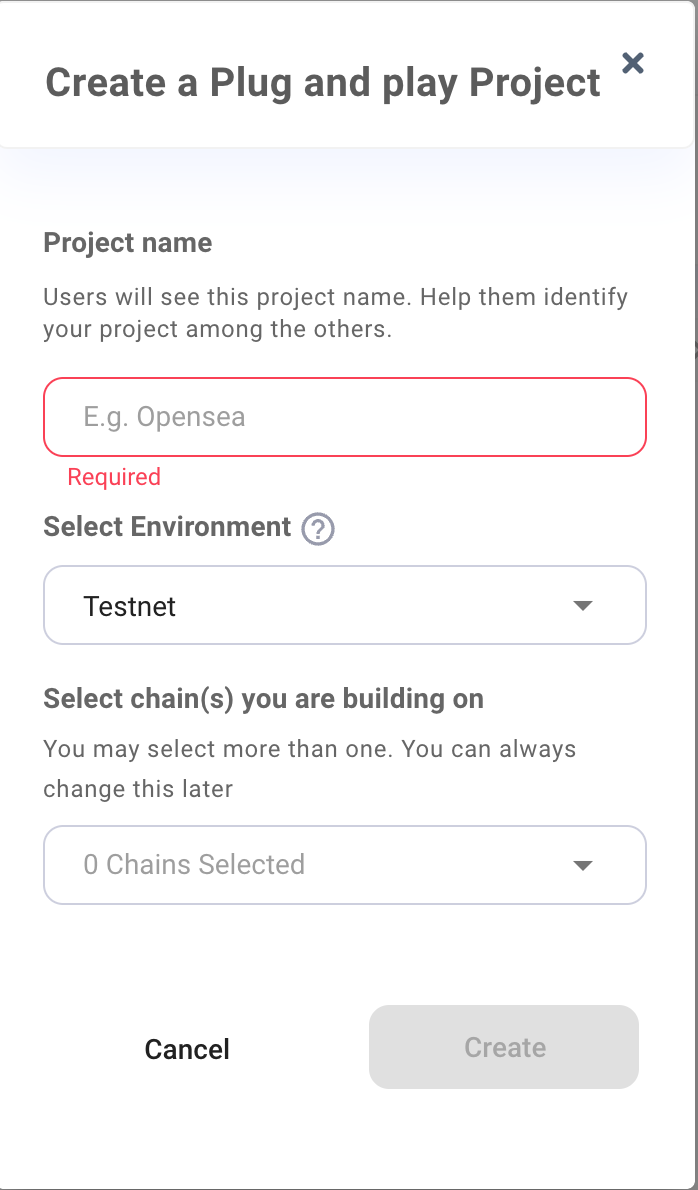
- 创建项目成功